

Turn property enquiries into booked viewings
Reply to buyers faster, coordinate viewings and follow up with every lead, all on WhatsApp.
No credit card required

From first enquiry to a confident buyer
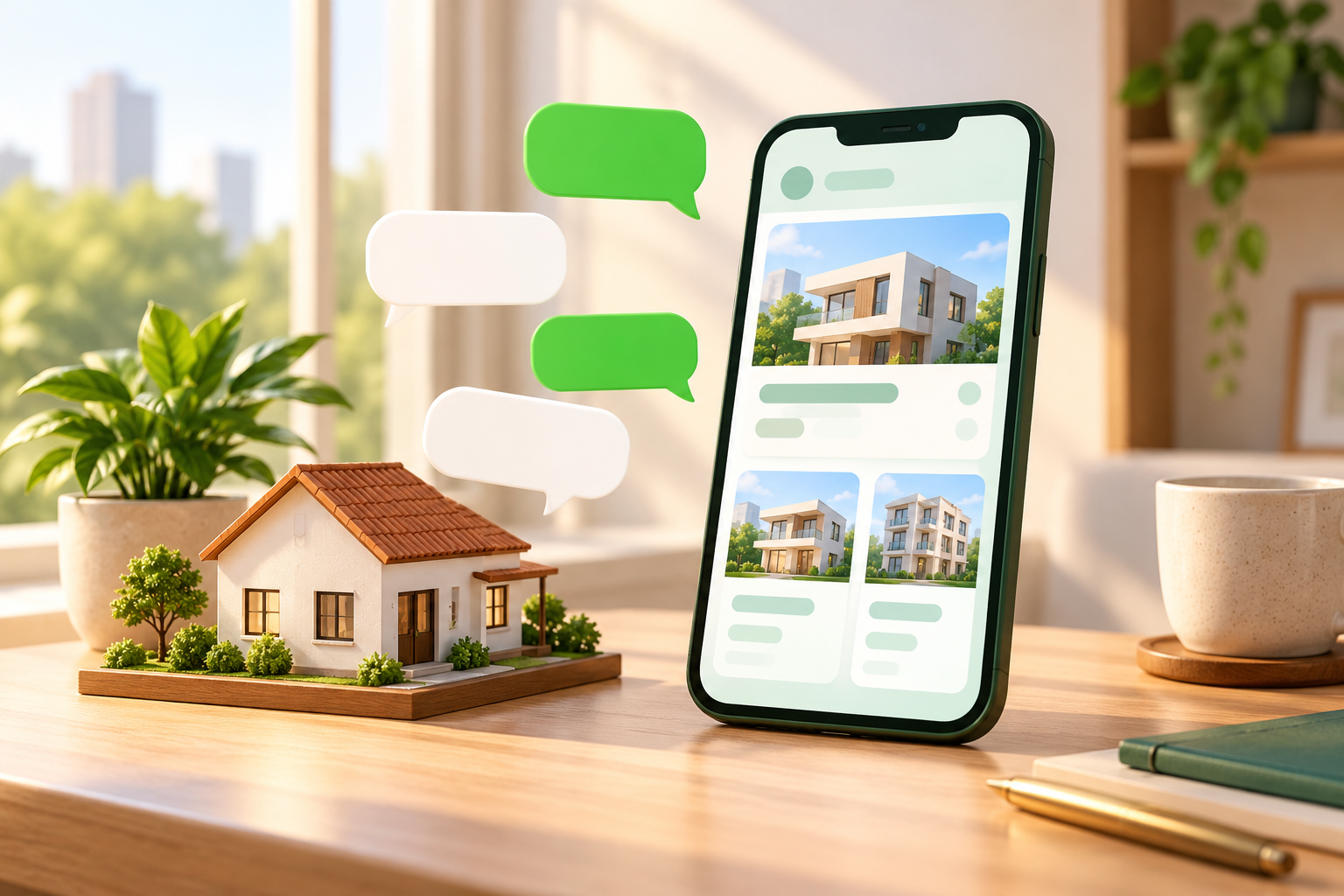
Respond to property enquiries
Answer new enquiries instantly and keep every lead in one place for follow-up.
- Click-to-WhatsApp ads
- WhatsApp chatbot
- Instant replies

Coordinate property viewings
Let buyers pick a viewing slot, then confirm and remind them automatically.
- Appointment booking
- Instant confirmation
- Appointment reminders
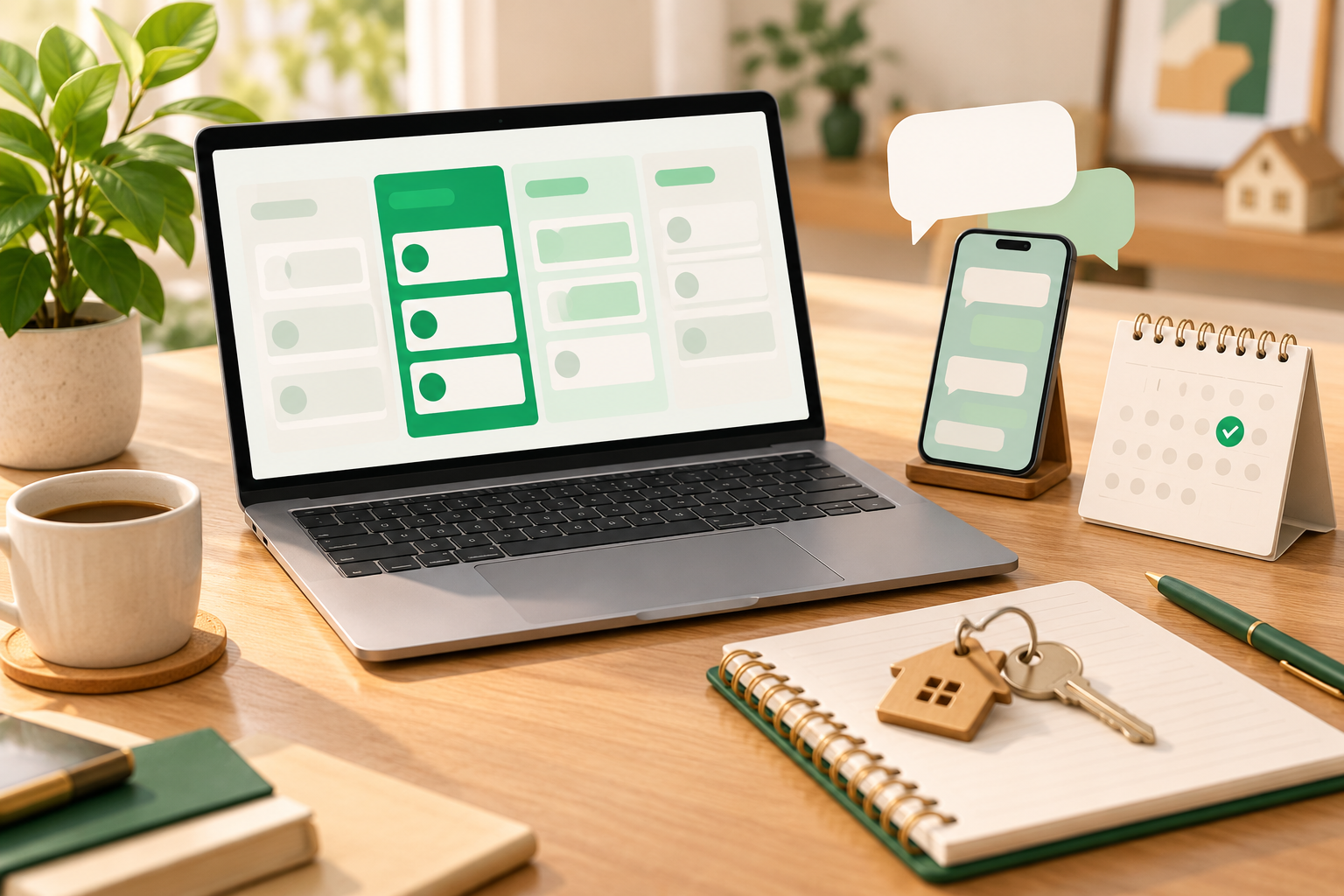
Follow up with every lead
Track leads through a pipeline and set reminders so no enquiry goes quiet.
- Sales CRM
- Automated follow-ups
- Tags & contacts
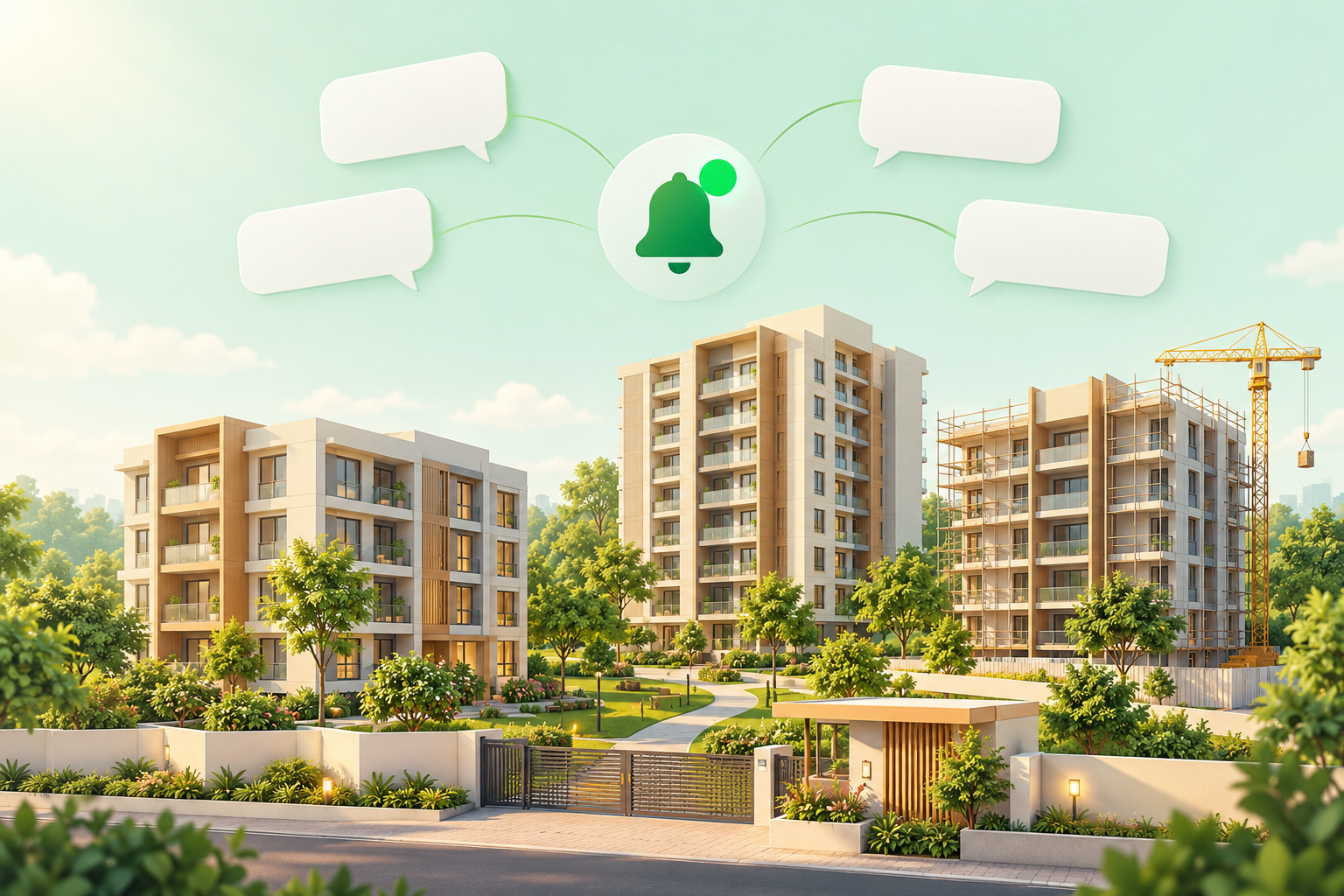
Share project updates
Keep interested contacts informed about new phases and launches, with opted-in messaging.
- Broadcasting
- Audience segmentation
- Approved message templates
How an enquiry could become a property viewing
An example of how a team could set this up with WappCloud's tools. It is not a ready-made real estate automation, and the messages are samples, not screenshots.
- Step 1:
Buyer enquires
Buyer
Hi, I saw your listing. Could you share more details?
WappCloud tool: Chatbot flow
- Step 2:
Instant reply, lead saved
Agent
Thanks for your interest! What kind of home are you looking for?
WappCloud tool: Automation + Sales CRM
- Step 3:
Viewing request
Buyer
Could I visit this Saturday morning?
WappCloud tool: Appointment booking
- Step 4:
Team confirms
Agent
You're booked in for Saturday. See you there!
WappCloud tool: Shared team inbox
- Step 5:
Follow up after the visit
Agent
How did you find the home? Happy to answer any questions.
WappCloud tool: Automated follow-up
Ready to turn more enquiries into viewings?
Give your team one organised place for property enquiries, viewings and follow-ups on WhatsApp.