

Collaborate Seamlessly with WhatsApp Shared Team Inbox
Manage all customer conversations from a single WhatsApp number with ease. WappCloud’s Shared Team Inbox brings your entire team together on one platform, ensuring no message is ever missed and every customer receives timely, consistent responses. Collaborate smarter, respond faster, and deliver delightful customer experiences at scale.
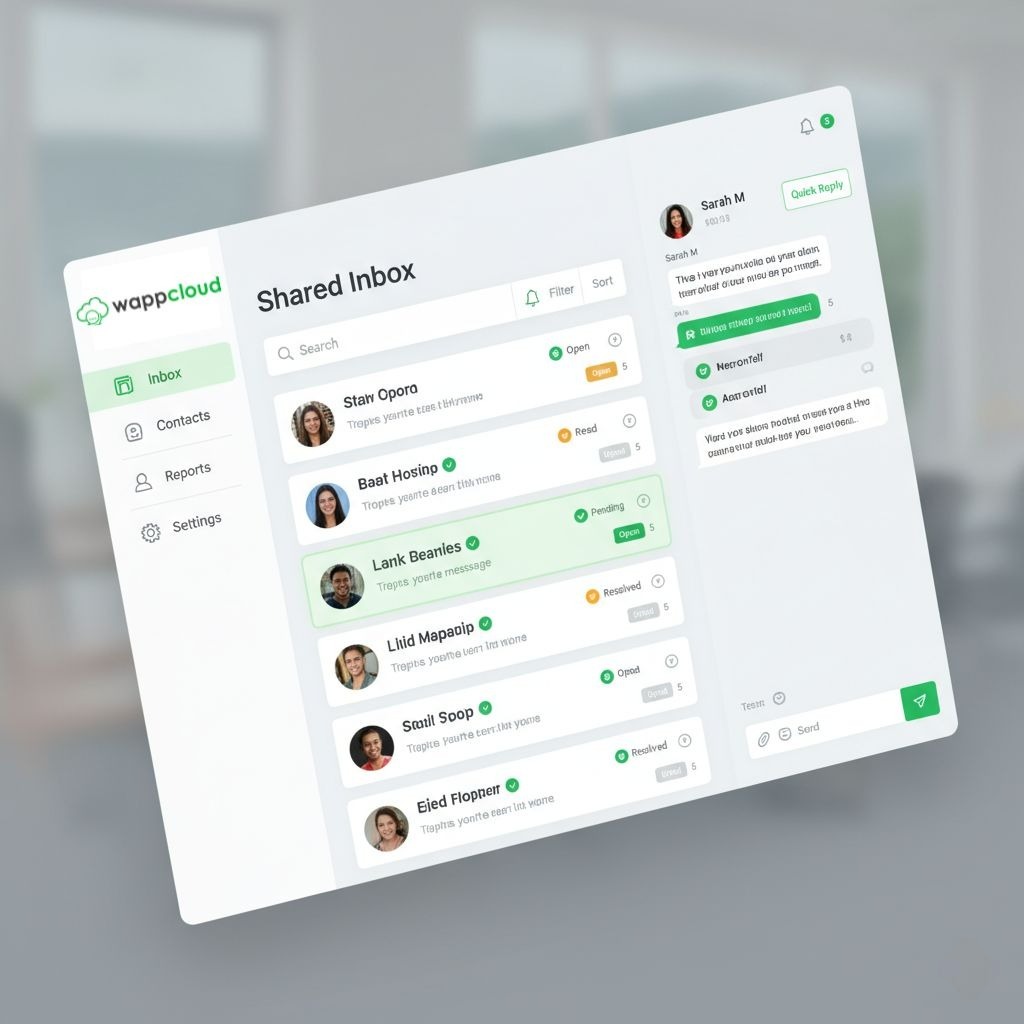
Shared Inbox Capabilities
Why Choose WappCloud's Shared Team Inbox?

Smart Team Management: Coordinate teams effortlessly and ensure accountability for every conversation.
Efficient Contact Handling: Manage thousands of contacts with tags, lists, and import/export tools.
Engage, Sell & Support: Access full chat histories to personalize interactions and drive growth.
Seamless Collaboration: Organize teams for sales, support, or shifts to boost response speed.
FAQs
What is a WhatsApp Shared Team Inbox?
A WhatsApp Shared Team Inbox is a centralized platform where multiple team members can manage customer conversations from a single WhatsApp number. It helps businesses handle support, sales, and queries efficiently from one dashboard.
Can I manage multiple team members from one WhatsApp inbox?
Yes, WappCloud allows you to add multiple team members to a single inbox, assign roles, and manage conversations collaboratively without switching devices or accounts.
Can I assign chats to specific team members?
Yes, you can manually assign conversations or automatically route chats to the right team members based on rules like department, availability, or query type.
How does the shared inbox improve response time?
With real-time notifications, chat assignments, and quick replies, your team can respond faster and ensure no customer message is missed.
Can I use templates and automation in the shared inbox?
Yes, WappCloud supports quick replies, message templates, and automation features to handle repetitive queries and improve efficiency.
Can I organize and manage customer conversations easily?
Yes, you can use tags, labels, and contact management features to categorize conversations, track interactions, and maintain organized customer data.
Is the WhatsApp Shared Team Inbox secure and compliant?
Yes, WappCloud follows WhatsApp Business API guidelines with secure communication, opt-in management, and data protection standards to ensure safe and compliant messaging.