

Turn Every Event into a Better Conversation.
Drive registrations, keep attendees informed, and continue the conversation before and after every event.
No credit card required
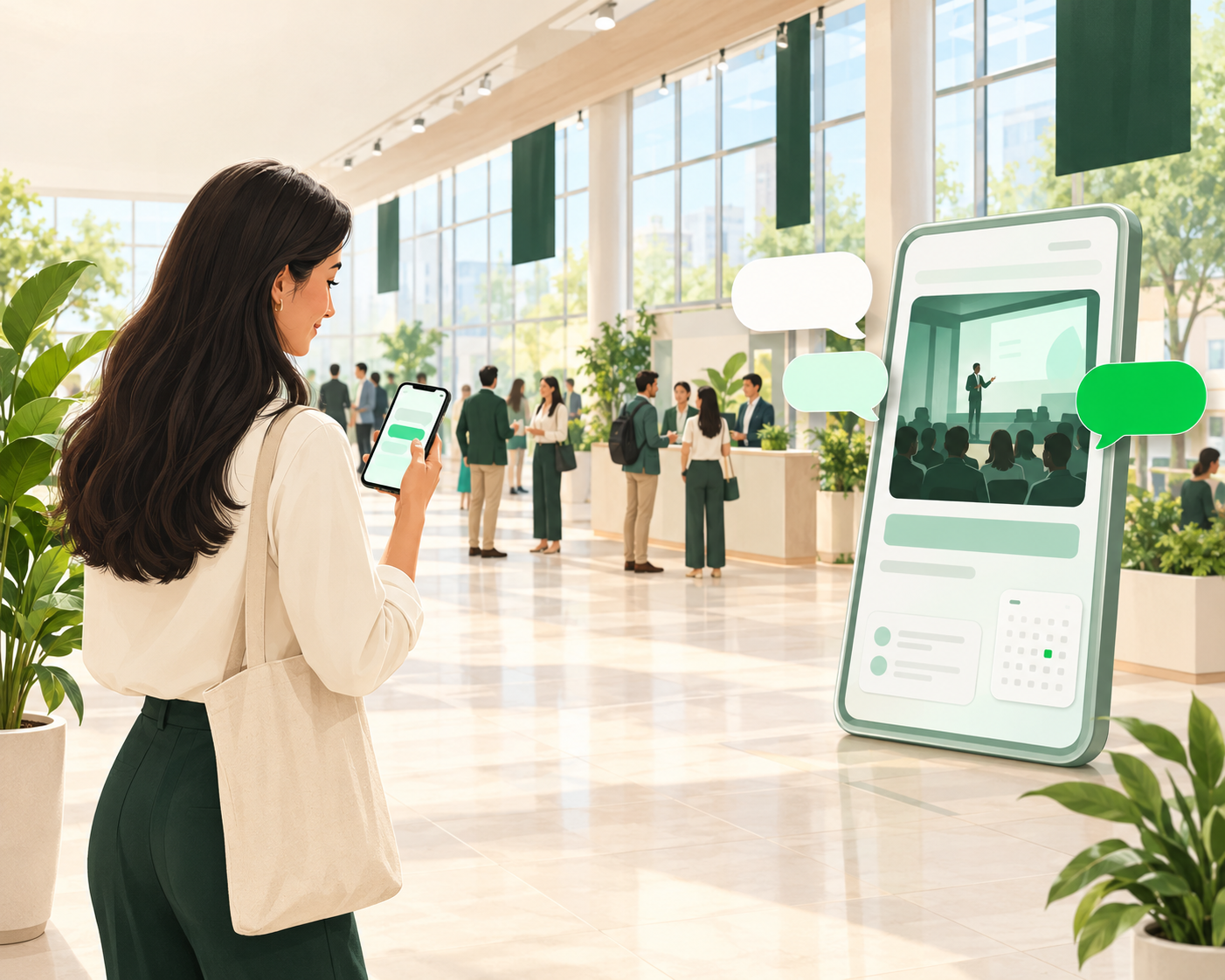
Before, during and after every event

Event Enquiries
Help attendees get answers to common questions about events, schedules, and participation.
- WhatsApp chatbot
- Instant replies
- Quick replies & templates

Registrations and Sign-ups
Guide interested attendees through registration enquiries and the next steps.
- Chatbot flows
- Sales CRM
- Shared team inbox

Audience Engagement
Share relevant event announcements, reminders, and updates with the right audience.
- Custom notifications
- Broadcasting
- Audience segmentation

Post-event Follow-ups
Continue attendee conversations after the event with relevant follow-ups and information.
- Feedback forms & surveys
- Approved message templates
- Audience segmentation
How an attendee could go from discovery to follow-up
An example of how an organiser could set this up with WappCloud's tools. It is not a ready-made events workflow, the messages are samples, and some steps are handled by your team. Automated messages use approved templates and go only to people who have opted in.
- Step 1:
Attendee discovers an event
Attendee
Saw your ad. Can you tell me more about the upcoming webinar?
WappCloud tool: Click-to-WhatsApp ads
- Step 2:
Attendee enquires or registers
Attendee
Sounds great. How do I sign up?
WappCloud tool: Chatbot flow + Sales CRM
- Step 3:
Attendee receives event updates
Organiser
A quick reminder that the session is coming up. See you there!
WappCloud tool: Custom notifications
- Step 4:
Attendee gets a follow-up
Organiser
Thanks for joining! We'd love to hear what you thought.
WappCloud tool: Feedback forms & surveys
Ready to turn your next event into a conversation?
Start talking with attendees on WhatsApp, before and after the event.