

Turn automotive enquiries into customer conversations
Reply faster, coordinate test drives and keep service customers in the loop, all on WhatsApp.
No credit card required

From first message to the next service

Capture every enquiry
Answer new enquiries instantly and keep every lead in one place for follow-up.
- Click-to-WhatsApp ads
- Instant replies
- Sales CRM

Coordinate test drives
Guide customers to pick a slot, then hand the booking to your team.
- Appointment booking
- Instant confirmation
- Shared team inbox
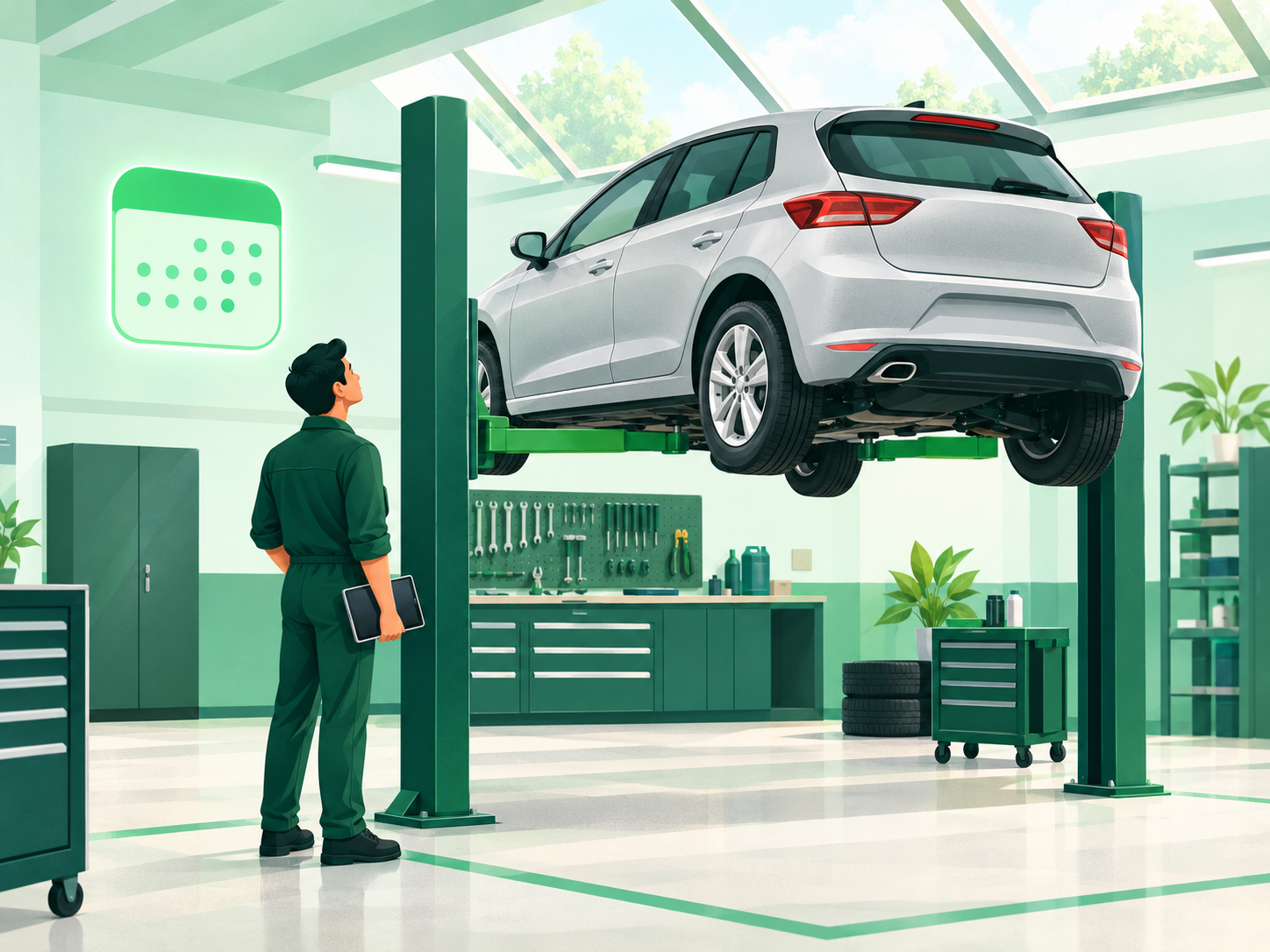
Keep service on schedule
Send service reminders and appointment updates straight to WhatsApp.
- Appointment reminders
- Custom notifications
- Scheduling

Follow up after every visit
Check in after a visit and keep the conversation open for questions.
- Automated follow-ups
- Audience segmentation
- Tags & contacts
How an enquiry could become a test drive
An example of how a team could set this up with WappCloud's tools. It is not a ready-made automotive automation, and the messages are samples, not screenshots.
- Step 1:
Customer enquires
Customer
Hi, I'd like to know more about your SUVs.
WappCloud tool: Chatbot flow
- Step 2:
Instant reply, lead saved
Business
Thanks for getting in touch. Which model caught your eye?
WappCloud tool: Automation + Sales CRM
- Step 3:
Test-drive request
Customer
Could I take it for a drive on Saturday morning?
WappCloud tool: Appointment booking
- Step 4:
Team confirms
Business
You're booked in. See you on Saturday!
WappCloud tool: Shared team inbox
- Step 5:
Follow up after the visit
Business
How was the drive? Happy to answer any questions.
WappCloud tool: Automated follow-up