

WhatsApp Business API Opt-In Rules Explained for Businesses

Written by
WappCloud Team

Post date
26 May 2026
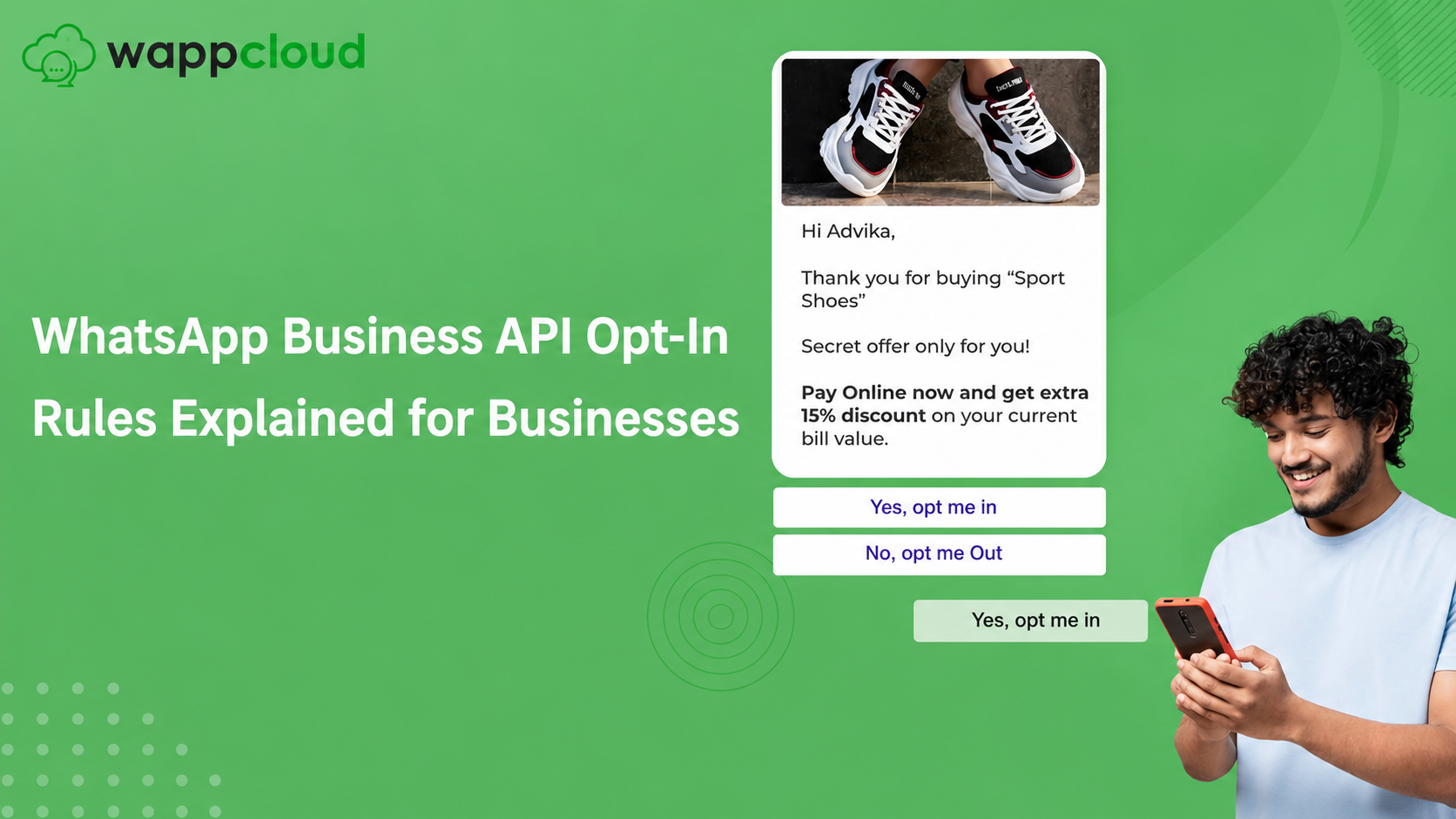
Meta requires businesses to collect WhatsApp opt-in before sending messages through the WhatsApp Business API. This ensures customers only receive messages they have agreed to, protecting both user privacy and business credibility.
If businesses send messages without proper consent, they risk delivery failures, account restrictions, or permanent WhatsApp bans. That is why collecting opt-in before sending the first WhatsApp notification is critical.
In this guide, WappCloud explains what WhatsApp opt-in means, the rules you must follow, and how to increase opt-ins while staying fully compliant using WhatsApp Business API.
What Is WhatsApp Opt-In?
WhatsApp opt-in is user permission that allows your business to send messages on WhatsApp.
Once users opt in, businesses using WappCloud can send:
- Order and delivery updates
- Promotional offers
- Customer support notifications
- Product announcements
- Transactional alerts
Opt-ins can be collected directly on WhatsApp or through channels like websites, signup forms, checkout pages, ads, and offline stores.
A valid opt-in must clearly mention:
- Your business name
- The user’s consent to receive WhatsApp messages
- The type of messages they will receive
With the right strategy and WappCloud’s automation tools, collecting opt-ins becomes simple, scalable, and fully compliant.
8 Proven Ways to Drive WhatsApp Opt-Ins with WappCloud
1. Website WhatsApp Opt-In Popup
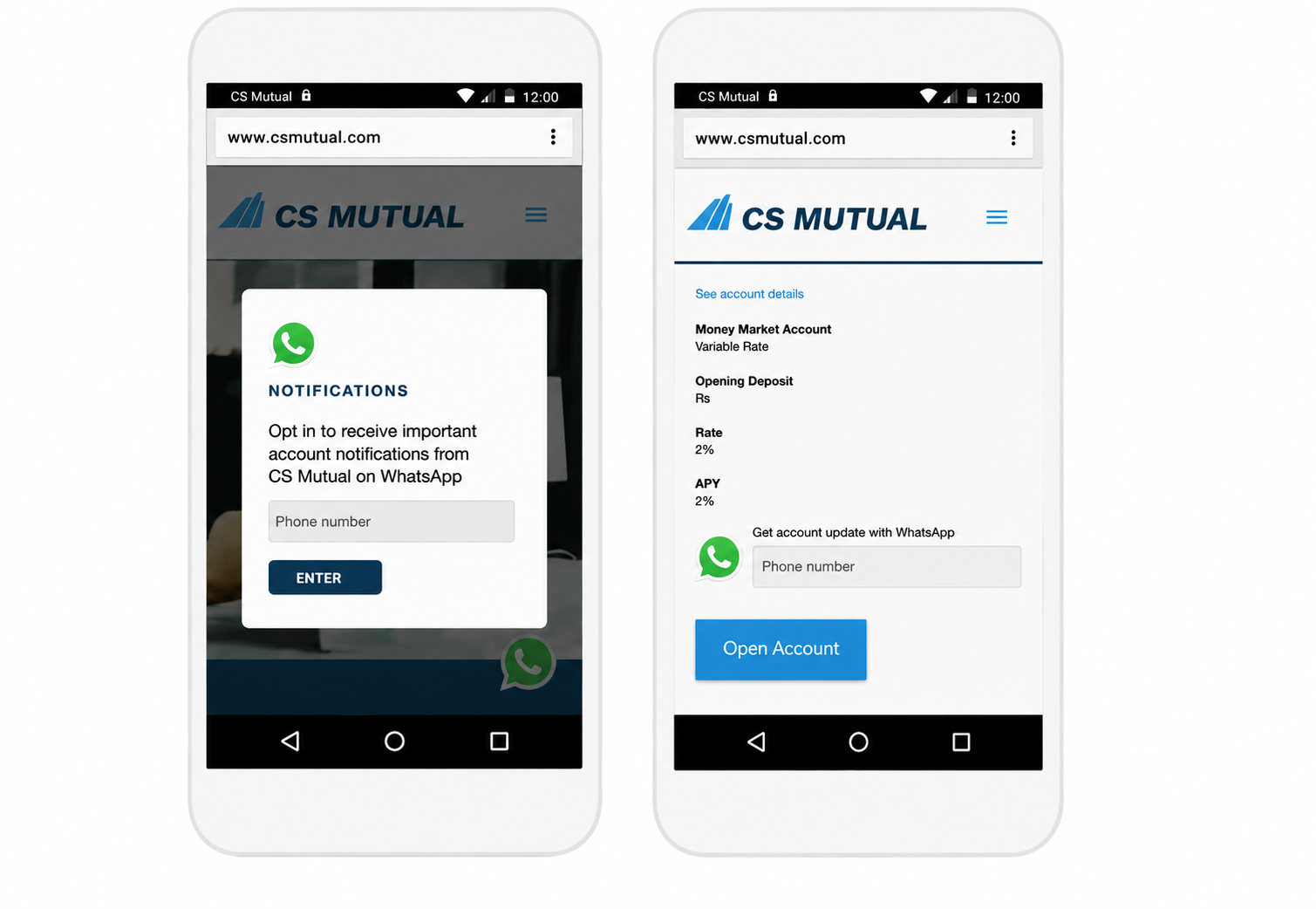
Add a popup on your website inviting visitors to subscribe to WhatsApp updates.
With WappCloud, you can:
- Capture names and phone numbers instantly
- Redirect visitors to WhatsApp
- Convert website traffic into leads and customers
2. WhatsApp Opt-In on Signup Pages
Add a WhatsApp consent checkbox during signup. Be transparent about message types, such as:
- Promotions
- Transactional alerts
- OTP messages
- Support updates
WappCloud automatically tracks and stores consent for compliance.
3. Collect Direct Opt-In on WhatsApp
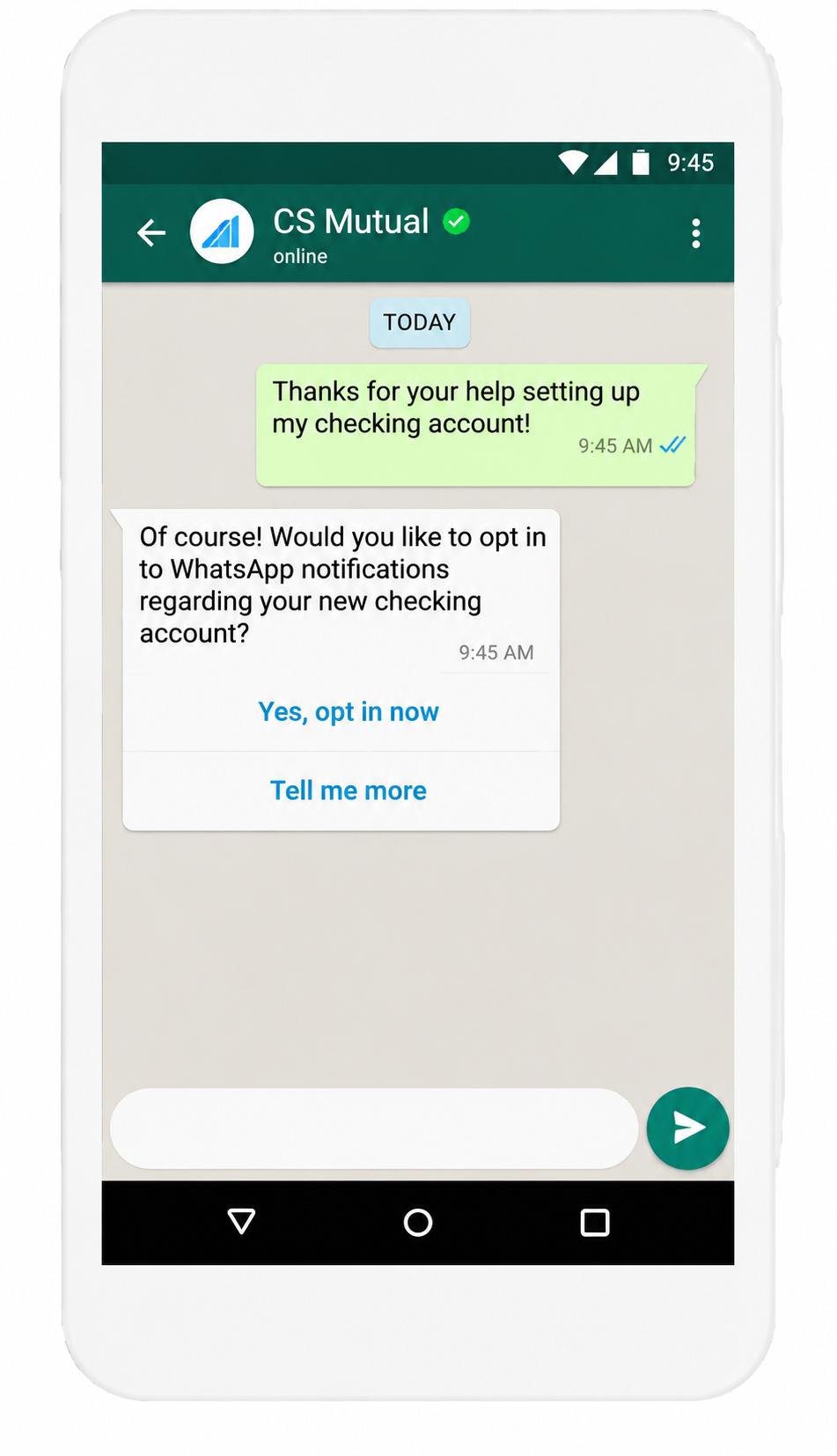
If you already have customer numbers, WappCloud allows you to request opt-in directly on WhatsApp. Send a friendly message asking if users want updates. Users replying YES are automatically marked as opted-in.
4. Drive Opt-Ins via SMS and Email
Redirect SMS and email subscribers to WhatsApp for faster updates and higher engagement. With WappCloud’s shared team inbox, multiple agents can reply across devices smoothly.
5. Add Click-to-WhatsApp Button on Website
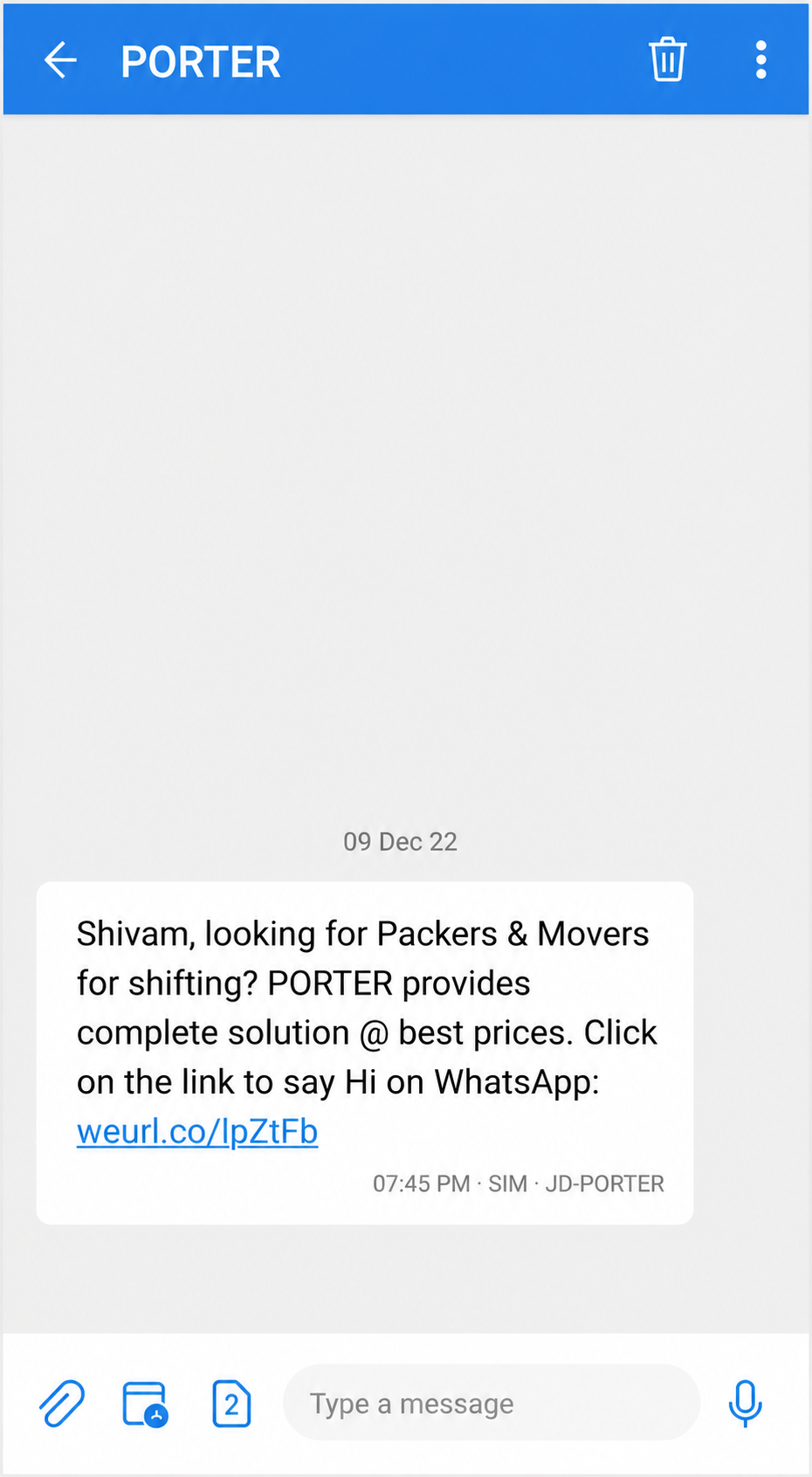
Place a Click-to-WhatsApp button with a pre-filled opt-in message. When users click and send, WappCloud records consent automatically, reducing manual effort.
6. Collect In-Store Opt-Ins with WhatsApp QR Codes
Generate WhatsApp QR codes using WappCloud to capture offline opt-ins. Customers scan, send a pre-filled consent message, and subscribe instantly.
7. Drive Opt-Ins Through Social Media & Ads
Run Click-to-WhatsApp ads on Instagram and Facebook and convert leads using WappCloud automation. Add WhatsApp links in social bios to drive organic opt-ins.
8. Post-Purchase WhatsApp Opt-In (High-Conversion Method)
Ask customers to opt in after checkout for:
- Real-time order updates
- Delivery notifications
- Exclusive offers
This strategy can generate 60–80% opt-in rates, especially for e-commerce brands using WappCloud.
5 Tips to Increase Opt-Ins & Reduce Opt-Outs
Explain benefits clearly
Avoid over-messaging
Use Click-to-WhatsApp ads
Always offer an easy opt-out
Respect user communication preferences
WappCloud helps manage frequency, segmentation, and personalization to reduce opt-outs and improve engagement.
WhatsApp Opt-In Rules You Must Follow
- Collect opt-in before sending promotional messages
- If users start a conversation, opt-in can be collected during chat
- Clearly state that users agree to receive WhatsApp updates
- Inform users about message types in advance
- Make opt-out simple, visible, and instant
WappCloud automates compliance checks to keep your WhatsApp Business API account safe.
How WappCloud Automates Opt-In & Opt-Out
With WappCloud, businesses can:
Automate WhatsApp opt-in collection
Store proof of customer consent securely
Enable chatbot-based opt-in and opt-out
Track WhatsApp policy compliance
Manage contacts and audience segmentation
Scale WhatsApp messaging without ban risk
WappCloud makes WhatsApp communication secure, compliant, scalable, and high-converting. WhatsApp Business API opt-in is not optional. It is essential for policy compliance, customer trust, and long-term messaging success. With WappCloud, businesses can grow their WhatsApp audience ethically, safely, and at scale while staying fully aligned with Meta’s policies.