

WhatsApp Template Categories: A Plain-English Guide for Businesses

Written by
WappCloud Team

Post date
03 April 2026
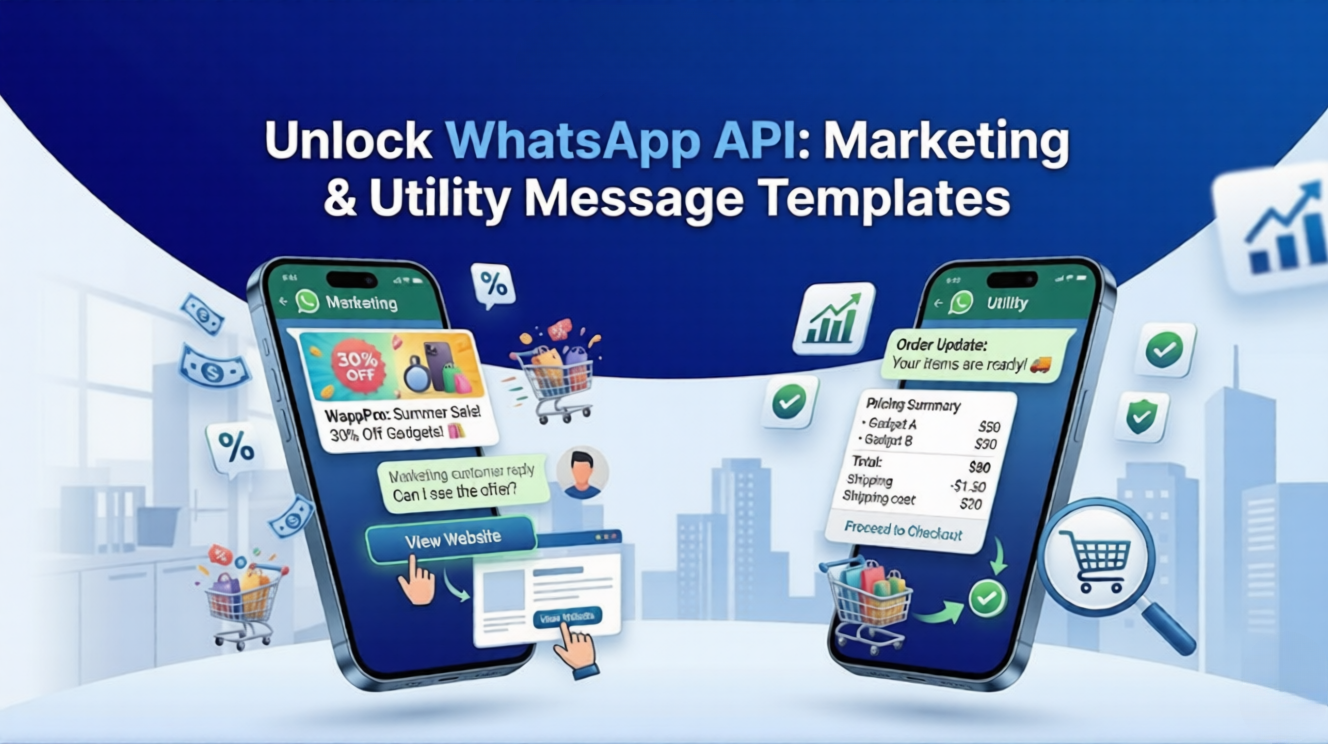
If you’re using the WhatsApp Business API to talk to your customers, you probably already know that you can't just send any message whenever you want. To prevent spam and keep the platform user-friendly, Meta requires businesses to use Message Templates when initiating a conversation.
Every template you create must be pre-approved by WhatsApp and placed into a specific category. Picking the wrong category might get your template rejected or cost you more money than it should!
To make things simple, we’ve broken down the official WhatsApp Template Categories into plain English, so you know exactly what to use and when.

Understanding WhatsApp Template Categories is the secret to getting your messages approved faster and optimizing your messaging costs.
WappCloud TeamThe Three Main Categories of WhatsApp Templates
Meta currently classifies business-initiated message templates into three distinct categories: Marketing, Utility, and Authentication. Let's explore what each one means.
1. Marketing Templates
Marketing templates are the most flexible and widely used templates. If your message is designed to generate sales, build brand awareness, or promote something, it’s a marketing template. Think of this as your "promotional" category.
When to use it:
- Sending discount codes and special offers
- Announcing new products or collections
- Sending newsletters or company updates
- Re-engaging customers who abandoned their shopping carts
- Sending holiday greetings or birthday wishes with a promotion
Example: "Hi name! Our Summer Sale is live. Get 20% off all sunglasses until Sunday. Tap below to shop now! 🕶️"
2. Utility Templates
Utility templates are strictly for follow-ups to a user action or request. They are purely informative and transactional. You cannot include any upsells, promotional offers, or "book another appointment" links in these messages, or they will be classified as Marketing instead.
When to use it:
- Order confirmations and digital receipts
- Shipping updates and delivery tracking
- Payment reminders and invoices
- Account alerts (e.g., balance updates, subscription renewals)
Example: "Hi name, your order #order_number has been shipped and is on its way! Track your package here: tracking_link 📦"
3. Authentication Templates
These templates have one single purpose: authenticating users with One-Time Passwords (OTPs) at different stages of the user journey, such as account registration, login, or password recovery. WhatsApp has the strictest rules for these templates, and they come with predefined button structures.
When to use it:
- Sending OTPs for login or sign-up
- Verifying a user's phone number
- Password reset codes
Example: "code is your verification code. For your security, do not share this code with anyone."
What About "Service" Conversations?
You might have heard the term Service Conversations, but this is not a template category.
User-Initiated Messages
A Service conversation happens when a customer messages you first (like asking a support question). When they do, a 24-hour "customer service window" opens. During this 24-hour window, you don't need to use approved templates! You can reply freely with any text, media, or information to resolve their query.
Why Do Categories Matter?
Pricing Differences
Meta charges different rates for different template categories. Utility and Authentication templates are generally cheaper than Marketing templates. If you try to sneak a marketing message into a utility template, Meta's AI will flag it and automatically re-categorize it, charging you the higher rate.
Approval Speeds
Choosing the correct category right from the start helps your template get approved instantly. Incorrect categorization is one of the most common reasons for template rejections, which slows down your marketing campaigns.
Simplify WhatsApp Marketing with WappCloud
Navigating WhatsApp policies, template approvals, and message sending can feel overwhelming, but it doesn't have to be. With WappCloud, you get built-in template management that helps you draft, categorize, and submit templates for approval in just a few clicks.
Book a Free Demo