

What Is a WhatsApp Community? Features, Benefits, and How It Compares to the WhatsApp Business API

Written by
WappCloud Team

Post date
16 July 2026
WhatsApp groups were never designed to hold hundreds of unrelated conversations at once. As businesses, schools, and communities outgrew the traditional group chat, WhatsApp introduced Communities, a feature built to bring structure to large-scale conversations without losing the personal, high-engagement nature that makes WhatsApp so effective.
Here is a complete breakdown of what a WhatsApp Community is, its features, its benefits, how to set one up, and, importantly, how it compares to the WhatsApp Business API, a distinction many businesses still get wrong.
This matters more than it might seem. Choosing the wrong tool for the wrong goal, treating a free organizational feature as if it were a marketing engine, or investing in automation infrastructure when a simple group would do, wastes time and resources either way. Understanding the difference up front makes that decision far easier.
What Is a WhatsApp Community?
A WhatsApp Community is a structure that links multiple related WhatsApp groups under a single, unified space. Rather than managing separate groups in isolation, a Community connects them through a shared Announcement Group, where admins can broadcast updates that reach every member at once, alongside individual Subgroups where members can hold focused, topic-specific conversations.
Key Features
Several capabilities distinguish a Community from a standard WhatsApp group, and together they explain why the feature has become the default choice for organizations managing more than a handful of related conversations.
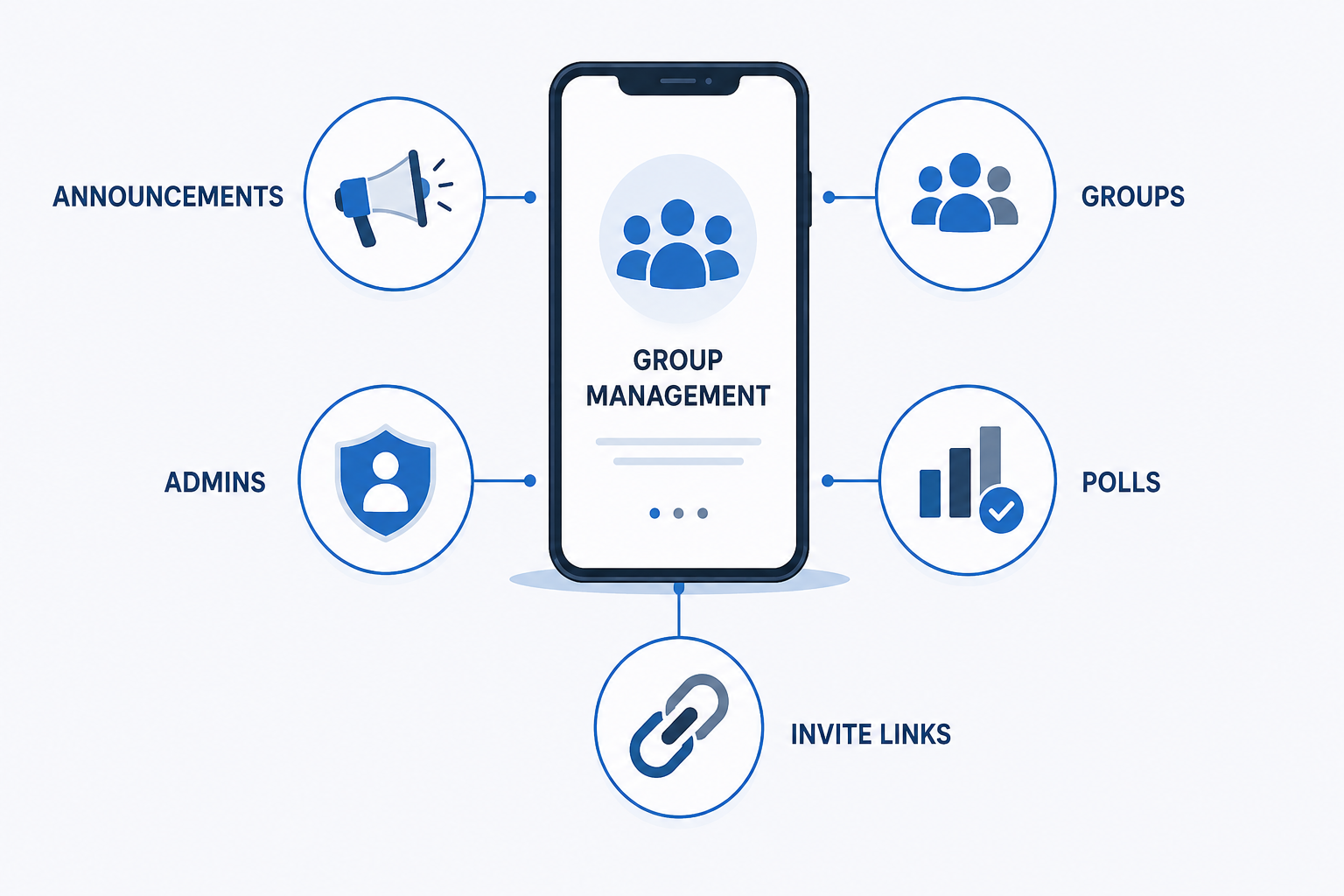
- A central Announcement Group for one-to-all updates
- Support for up to 100 groups within a single Community
- A member capacity of up to 2,000 across all subgroups, per WhatsApp's official Help Center
- Support for multiple admins (up to 20), allowing responsibility to be distributed across teams
- Built-in polls, file sharing, and group audio calls
- Shareable invite links for easy growth
Benefits
Structured communication that reduces noise and keeps conversations relevant to each member
High engagement, since WhatsApp messages are read at far higher rates than email
No cost to set up or maintain
A stronger sense of belonging for members who opt in intentionally
Example Use Case
"Welcome to the [Business Name] Community. You'll find our Announcements group for company updates, plus separate groups for Product Tips, Events, and Customer Support — join whichever are most relevant to you."
Who Communities Work Well For
- Educational institutions coordinating parents, teachers, and individual classes
- Fitness studios and gyms organizing classes, challenges, and nutrition groups separately
- Neighborhood associations and local clubs keeping residents informed and connected
- Early-stage brands nurturing an engaged community around product launches
In each of these cases, the goal is connection and organization, not automated, high-volume customer engagement, which is an important distinction for any business evaluating whether a Community meets its needs.
How to Create a WhatsApp Community
- Open WhatsApp and go to the Communities tab
- Tap "New Community" or "Start a Community"
- Add a name, description, and profile photo
- Add existing groups or create new ones
- Keep the announcement group admin-only
- Share an invite link to grow membership
Where Communities Reach Their Limit
Communities are effective for organizing people, but they were not designed to run a business. There is no automation, no customer segmentation, and no analytics, and members must opt in manually before they can be reached at all. For teams trying to run marketing campaigns, automate support, or measure performance, these constraints become limiting quickly.
WhatsApp Community vs WhatsApp Business API
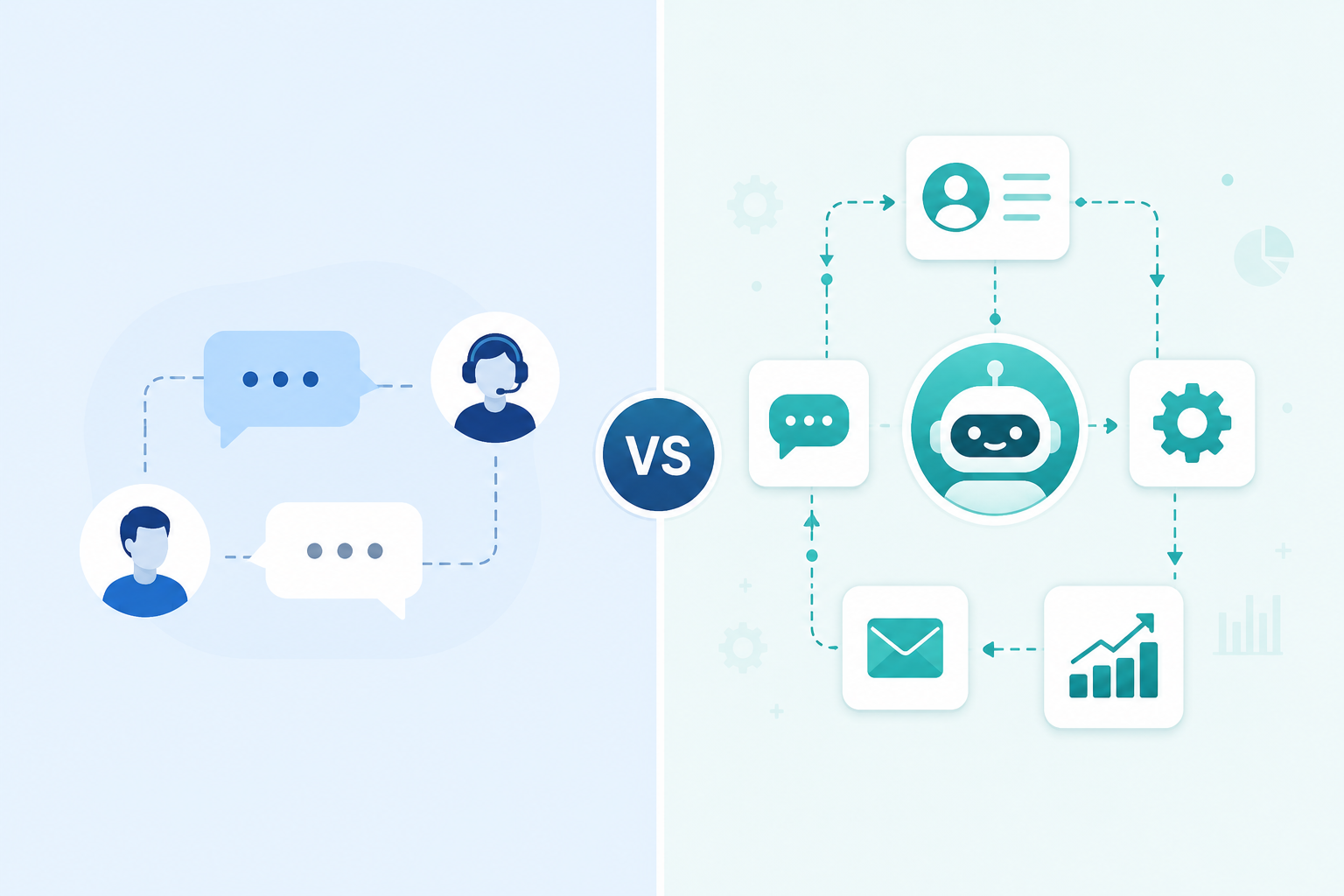
This is where the two are often confused. A Community organizes conversations between people. The WhatsApp Business API is built for businesses to automate and scale conversations with customers, complete with chatbots, broadcast campaigns, delivery and read analytics, and integration into CRM and support systems. One is free and manual; the other is a paid, automated infrastructure built for scale.
| WhatsApp Community | WhatsApp Business API | |
|---|---|---|
| Purpose | Organizing groups of people | Automating business messaging at scale |
| Best for | Schools, clubs, brand communities | Businesses, marketing & support teams |
| Automation | None — fully manual | Full automation via chatbots & workflows |
| Audience reach | Opted-in members only, capped at 2,000 | Any customer in your database, no manual cap |
| Analytics | None | Delivery, read, and conversion tracking |
| Cost | Free | Paid, based on conversations/messages |
| Setup | A few taps inside the app | Requires an API provider/platform |
Where This Leaves Businesses
The right choice ultimately depends on the goal. If the objective is bringing a group of people together around a shared interest or affiliation, a Community is free, simple, and effective. If the objective is running customer engagement, marketing, or support at scale, with measurable outcomes, the WhatsApp Business API is the appropriate infrastructure.
For teams that have outgrown manual management and want to combine WhatsApp's reach with real automation and measurable results, platforms built on the WhatsApp Business API, like WappCloud, close that gap, handling everything from automated onboarding to segmented campaigns and AI-assisted customer support.
Structured conversations build trust, but automation and measurement are what let that trust scale.
Ready to move beyond manual group management and build a WhatsApp strategy that actually scales? Discover how WappCloud can help you automate customer engagement and build lasting customer relationships.