

WhatsApp Broadcast vs WhatsApp Group: Which Is Best for Business Messaging in 2026?

Written by
WappCloud Team

Post date
14 May 2026
What is a WhatsApp Broadcast?
A WhatsApp Broadcast lets you send messages to many contacts at once, without them seeing each other or their replies. With WappCloud, you can easily share updates, promotions, or alerts professionally—perfect for reaching customers without the clutter of group chats.
Unlike group chats, broadcasts keep communication clean, direct, and professional. Customers receive messages privately in their personal chats, which improves readability and creates a more personalized experience. This makes WhatsApp Broadcast especially useful for businesses that want to send promotions, reminders, product launches, or important announcements at scale.
How to Set Up a WhatsApp Broadcast:
Creating a WhatsApp Broadcast is quick and easy. Here's how:
Open WhatsApp Business App – Launch it on your Android or iOS device.
Go to Chats – Make sure you're in the "Chats" section.
- Open the Menu
Android: Tap the three dots (⋮) in the top-right corner.
iPhone: Go to Settings → Broadcast Lists.
Create a New Broadcast – Tap "New Broadcast" or "New List."
Select Contacts – Pick the contacts you want to include.
Note: Only contacts who have saved your number will receive your message.
Confirm – Tap the checkmark (✔️) or Create.
Send Your Message – Now you can send messages just like in individual chats.
How Businesses Can Use WhatsApp Broadcast to Engage Customers
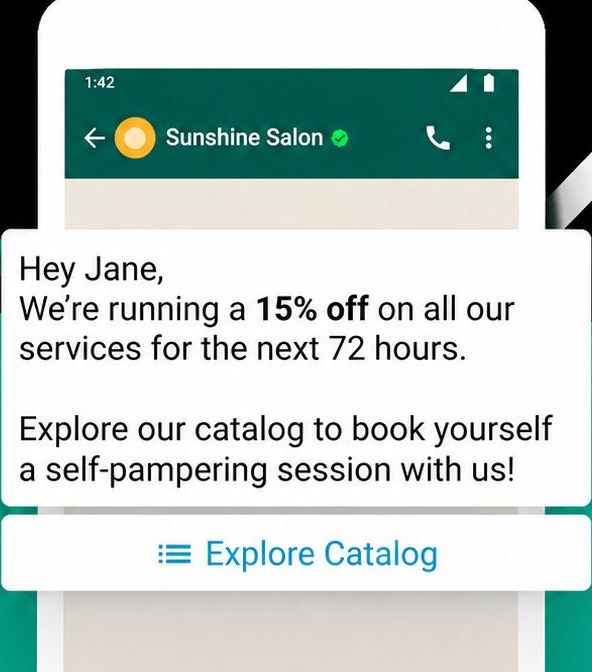
WhatsApp Broadcast is a simple and effective way for businesses to reach multiple customers at once, without creating group chats. It's perfect for sending updates, promotions, or announcements quickly and professionally.
Reach Customers Fast
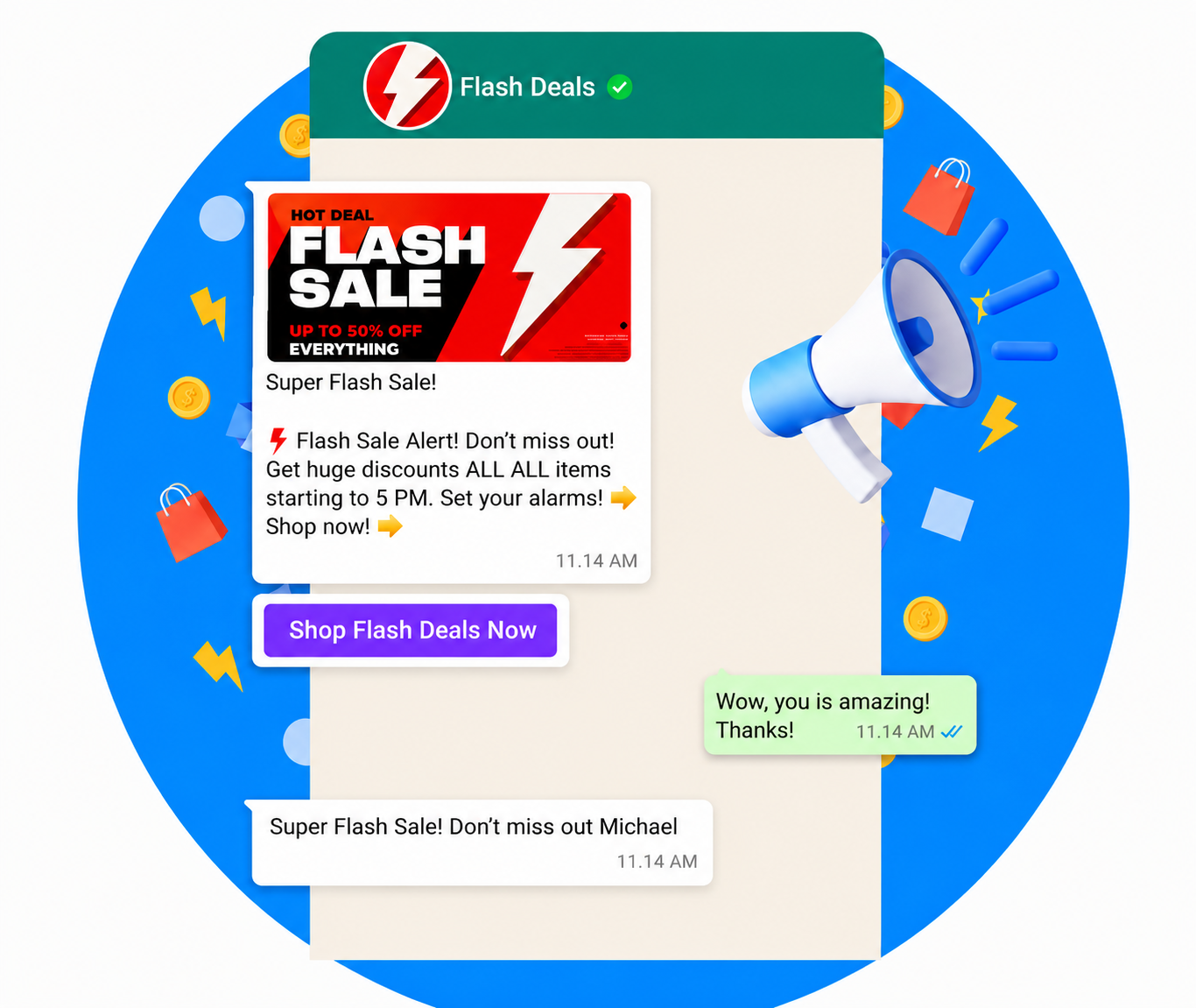
Send important updates, announcements, offers, or reminders to thousands of contacts instantly through a single broadcast message. Unlike group chats, customers receive the message privately in their personal inbox, creating a cleaner and more professional communication experience.
Example: A retail brand running a weekend sale can instantly notify thousands of customers using a broadcast list, saving hours of manual messaging while improving campaign reach and response rates.
Maintain Personal and Professional Communication
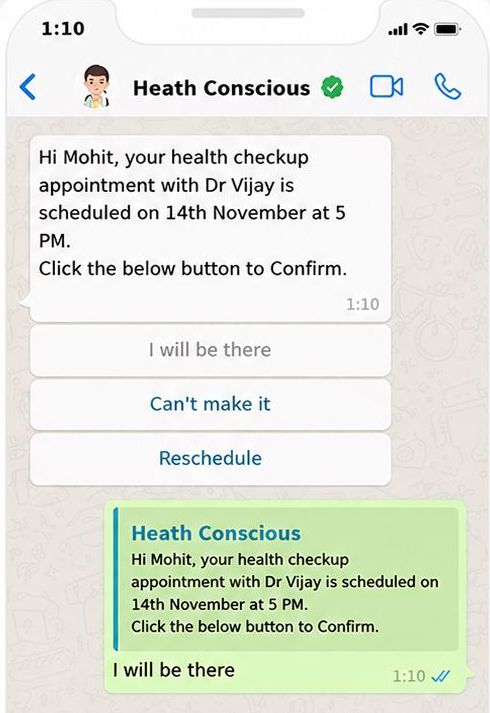
With WhatsApp Broadcast, each message is delivered individually, ensuring that recipients perceive it as personalized. At the same time, privacy is fully protected, as contacts cannot view each other's information.
Example: A healthcare provider can send appointment reminders to patients through a broadcast list. Each message remains private and tailored, fostering a sense of care while safeguarding sensitive information.
Save Time with Message Templates and Automation
With WhatsApp Broadcast, you can create message templates for common scenarios and use automation to send them efficiently. This saves time on routine communication and lets your team focus on more important tasks.
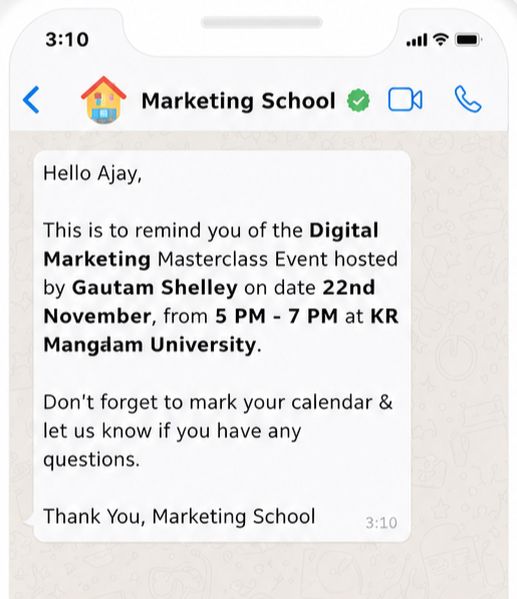
Example: An online education platform can automatically send class schedules or event reminders using templates. Automation ensures messages are timely and accurate, while the team can concentrate on improving courses and student support.
Boost Customer Engagement
Broadcast messages are delivered individually, so they feel personal and professional without being intrusive. Using the WhatsApp Business API, you can enhance messages with templates and dynamic variables to make each communication more relevant.
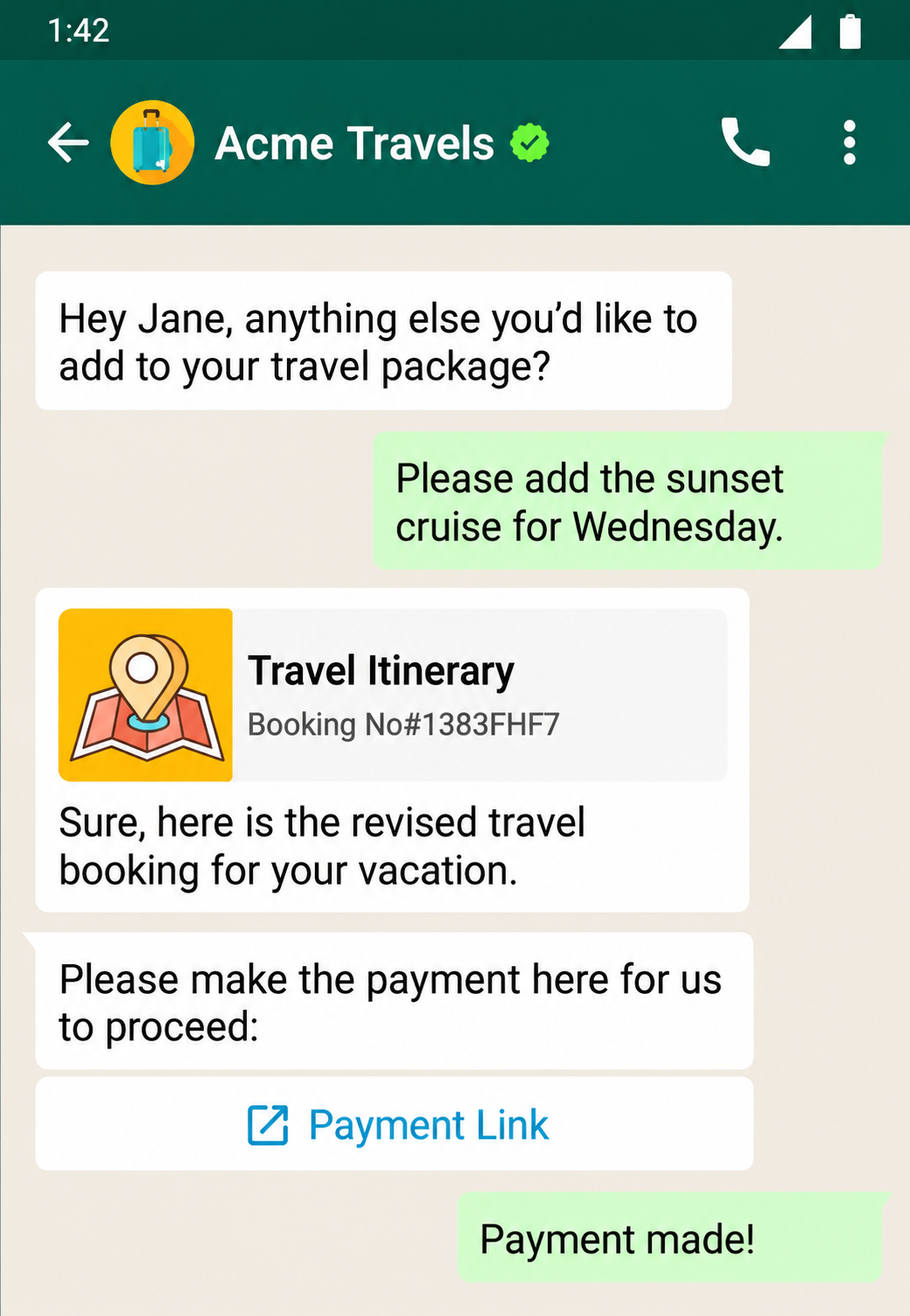
Example: A travel agency can send destination tips and travel alerts ahead of a client's trip. Personalized, timely messages help customers feel valued and informed, increasing the likelihood they'll book tours or services.
Perfect for Businesses of Any Size
WhatsApp Broadcast works for businesses of all sizes, though the standard WhatsApp Business app limits each list to 256 contacts. For larger audiences, the WhatsApp Business API allows you to send messages to thousands of customers while keeping them personalized and compliant.
Whether you're a small startup or a large enterprise, broadcasts help you keep customers informed, engaged, and supported—without adding extra work for your team.
Example: A small e-commerce business can use broadcasts to share product updates with loyal customers, while a multinational company can distribute quarterly reports to stakeholders. Broadcasts make it easy to communicate efficiently and professionally, no matter the size of your audience.
What Is a WhatsApp Group?
A WhatsApp Group is a shared space where multiple participants can communicate and interact in real time. Unlike broadcasts, every member can see messages, reply, and participate in discussions.
Groups are ideal for team collaboration, project coordination, customer communities, or any scenario that requires two-way communication. You can use them for internal collaboration, customer support, or community engagement—making it easier to share information, ask questions, and build stronger relationships.
How to Set Up a WhatsApp Group
Creating a WhatsApp Group is simple and helps bring people together for collaboration or discussion. Here's how to get started:
Open the WhatsApp Business App – Tap the app icon on your phone to launch it.
- Go to Chats
Android: Tap Chats at the bottom, then the three-dot menu at the top.
iPhone: Tap Chats at the bottom.
Start a New Group – Tap the plus (+) sign and select New Group.
Add Participants – Select the contacts you want to include and tap Next (iOS) or the arrow icon (Android).
Note: You can add up to 1,024 members.
- Enter Group Details
Type the group name (up to 100 characters).
Add a group photo by tapping the camera icon.
Optionally, configure Disappearing Messages (24 hours, 7 days, or 90 days).
Create the Group – Tap Create or the checkmark icon to finish.
Practical Use Cases for WhatsApp Groups
- Real-Time Communication: Everyone can send and receive messages instantly, making discussions more interactive.
- Easy Collaboration: Share files, ideas, and feedback quickly with project teams or customer communities.
- Build Stronger Relationships: Open conversations foster trust and a sense of community among customers or employees.
- Organized Discussions: Create separate groups for teams or topics to keep communication focused and structured.
Comparing WhatsApp Broadcast and WhatsApp Group for Your Business
Choosing between a WhatsApp Broadcast and a WhatsApp Group depends on how you want to communicate and the level of engagement you need. Both tools help businesses stay connected, but they serve different purposes. Here's a clear comparison to help you decide:
| Feature | WhatsApp Broadcast | WhatsApp Group |
|---|---|---|
| Message Delivery | One-way; messages delivered individually to each contact. Replies come privately. | Two-way; all members can see messages and reply. Ideal for collaboration. |
| Privacy | High; recipients cannot see who else received the message. | Lower; all members can see each other's messages and responses. |
| Interaction | Limited; best for announcements, reminders, or updates. | Active; encourages questions, discussions, and feedback. |
| Use Cases | Notifications, promotions, newsletters, appointment reminders. | Team meetings, customer support, knowledge-sharing, community discussions. |
| Management & Control | Easy to manage; no moderation required; maintains privacy. | Requires active moderation; fosters engagement but less private. |
| Example | Retail brand sending a sale notification to customers. | Project team sharing files and feedback in real time. |
When to Use WhatsApp Broadcast vs WhatsApp Group
WhatsApp Broadcast
WhatsApp Broadcast is best for one-way communication—sharing updates, offers, reminders, or announcements quickly with a targeted audience, without exposing other contacts. It's ideal for marketing campaigns, customer notifications, or internal announcements.
WhatsApp Group
WhatsApp Group is perfect for two-way interaction—team collaboration, customer communities, or project discussions. Groups allow participants to exchange ideas, ask questions, and share feedback in real time.
How WappCloud Turns WhatsApp Broadcast into a Scalable Business Tool:
With WappCloud's WhatsApp Broadcast, powered by the WhatsApp Business API, businesses can send messages to thousands of customers at once—well beyond the standard app limits. Messages stay personalized, compliant, and reliably delivered, making it easy to share updates, offers, promotions, or alerts efficiently while maintaining a professional brand presence.
With WappCloud, managing WhatsApp broadcasts is easier than ever. You can segment your audience, schedule messages, and track results all in one place, helping you stay connected with customers at scale while protecting their privacy.
Looking to streamline your business communication? Start your free WappCloud trial today and see how quickly you can reach your audience.
Take Your Communication to the Next Level
As your business grows, simple WhatsApp groups aren't enough. WappCloud lets you scale your messaging, maintain personalization, and stay compliant, so you can manage customer communication efficiently and confidently—no extra effort required.