

How to Get WhatsApp Opt-in From Customers: 10 Best Methods

Written by
WappCloud Team

Post date
27 August 2026
WhatsApp doesn't let a business message just anyone. Every recipient has to opt in first — and how a business collects that opt-in shapes almost everything downstream: delivery rates, account quality, and whether customers actually want to hear from you or immediately hit block.
Most businesses treat opt-in collection as a legal formality to get out of the way. The ones that treat it as a genuine part of the customer relationship end up with cleaner lists, better engagement, and far fewer compliance headaches later. Here are ten of the most effective ways to collect WhatsApp opt-in — and what separates a good method from a lazy one.
Why Opt-In Is More Than a Compliance Checkbox
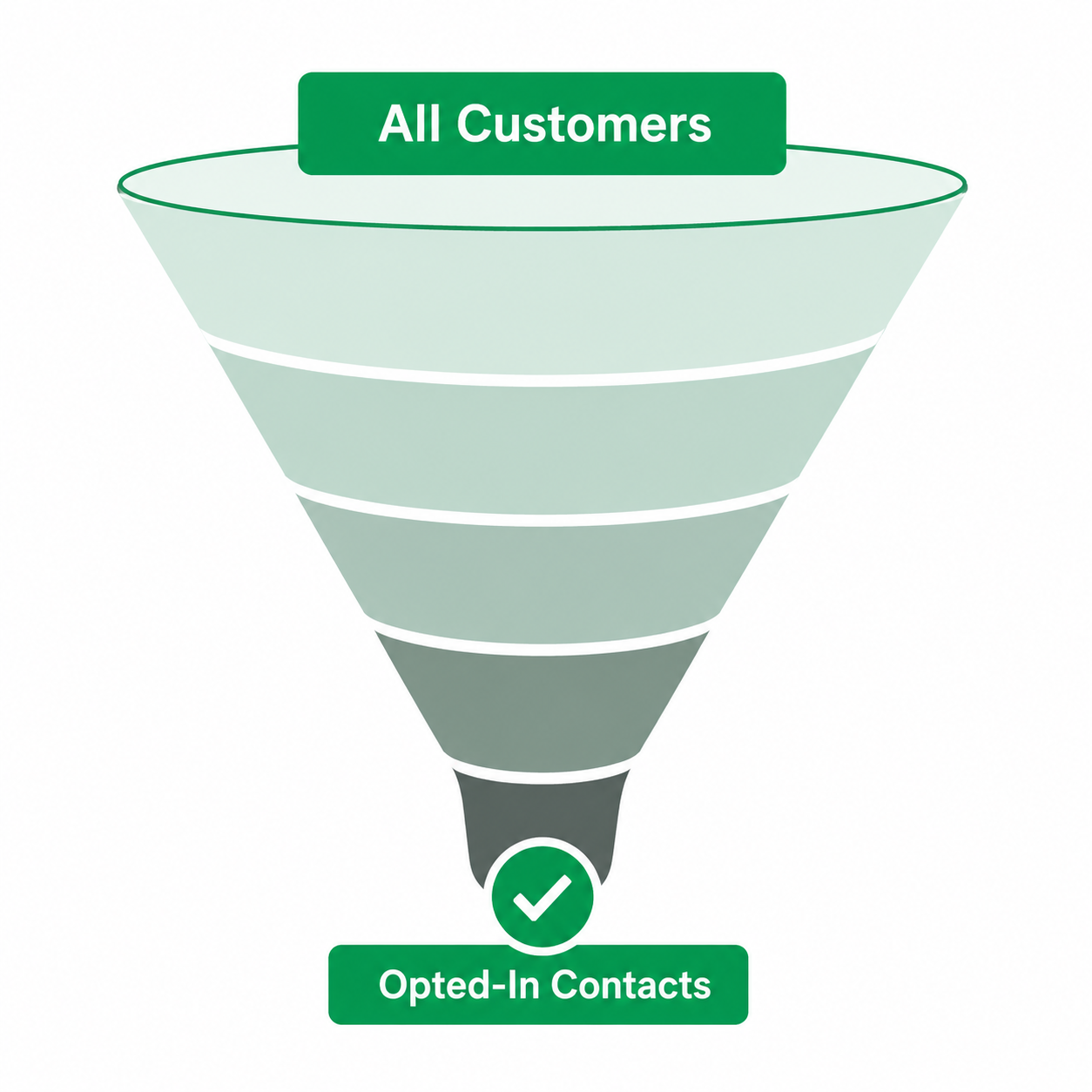
Meta tracks how recipients respond to a business's messages — block rates, spam reports, and engagement all feed into the account's quality rating, which directly determines how many messages a business can send per day. A list built on weak or unclear consent tends to get blocked and reported more, quietly capping messaging limits over time. Strong opt-in practices aren't just about avoiding penalties — they're what keeps a channel healthy enough to actually scale.
Ten Ways to Collect WhatsApp Opt-In
1. Click-to-WhatsApp Ads
Meta's Click-to-WhatsApp ad format opens a pre-filled WhatsApp conversation the moment someone clicks, with the act of sending that first message serving as the opt-in itself — some of the highest-intent opt-ins available, since the customer is already actively engaging.
2. A WhatsApp Chat Widget on the Website
A floating WhatsApp button or embedded chat widget lets visitors start a conversation without leaving the page. Framing it around a specific reason to chat — order help, product questions — converts better than a generic "message us" prompt.
3. QR Codes In-Store or on Packaging
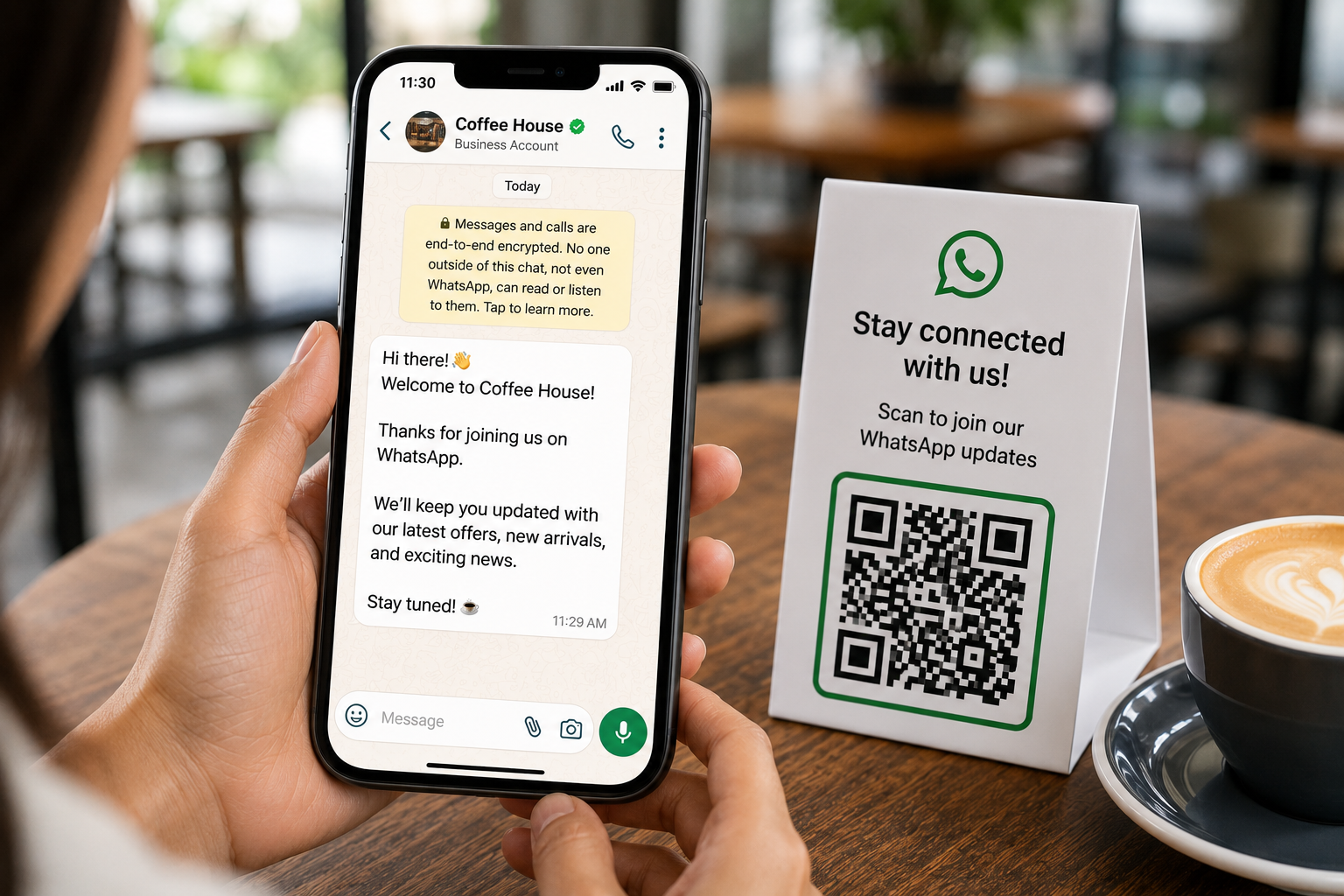
For physical retail, restaurants, and product packaging, a QR code that opens a pre-filled WhatsApp message removes the friction of typing a number manually. Placing it somewhere naturally noticed — a receipt, table tent, product insert — works better than burying it in fine print.
4. A Checkout Opt-In Checkbox
E-commerce checkouts are a natural moment to ask, since the customer is already engaged with a clear reason to want order updates. The checkbox should be unchecked by default and clearly state what they're agreeing to receive.
Example (Checkout Opt-In Copy)
"Get order and delivery updates on WhatsApp — reply STOP anytime to opt out."
5. Migrating Existing SMS or Email Subscribers
Businesses with an existing SMS or email list can run a short migration campaign asking subscribers to confirm they'd also like updates on WhatsApp — targeting an audience that's already opted in once, just through a different channel.
Example (Migration Message)
"Hi , we're now on WhatsApp! Reply YES if you'd like order updates and offers sent here instead of email."
6. Capturing Opt-In During Support Conversations
When a customer reaches out through any channel — a call, a form, an in-person visit — that's a natural moment to ask if they'd like future updates on WhatsApp, provided the ask is explicit rather than assumed.
7. Social Media Bio Links and Instagram Automation
A WhatsApp click-to-chat link in a bio, or an automated reply offering to continue on WhatsApp after a comment or DM, captures opt-in from an audience already engaged with the brand's content.
8. In-App Prompts for Businesses With a Mobile App
Apps with an existing user base can prompt users at a relevant moment — after checkout, during onboarding — to opt into WhatsApp updates, framed around a specific benefit rather than a generic notification request.
9. WhatsApp CTAs on Physical Receipts and Invoices
A small line on a printed or digital receipt inviting customers to opt in for order tracking or future offers captures a moment when they already have a direct, transactional reason to want updates.
10. Incentivized Opt-In
Offering a small discount in exchange for opting in works, but with a caveat: incentivized opt-ins tend to attract customers who want the discount more than the ongoing messaging, which can raise unsubscribe or block rates if the follow-up content doesn't stay genuinely useful.
What Undermines an Opt-In Strategy
A few patterns consistently produce weak, low-quality lists:
- Pre-checked consent boxes customers don't notice or actively uncheck
- Vague language that doesn't specify what they're agreeing to receive
- Treating a single past interaction as implied consent for ongoing messaging
- Collecting opt-in but never clearly offering a way to opt back out
Building Opt-In Into the Business, Not Just a Signup Form
The businesses with the strongest WhatsApp lists rarely rely on just one method. They combine a few — a chat widget on the site, a QR code in-store, an opt-in checkbox at checkout — so collection happens naturally across every point where a customer is already interacting with the brand.
Businesses managing multiple opt-in sources — ads, website widgets, checkout flows, in-store QR codes — often rely on platforms like WappCloud to centralize contact collection, keep consent records organized, and make sure every opted-in customer actually receives messaging worth staying subscribed for. Getting opt-in right isn't just about clearing a compliance requirement — it's the foundation that determines whether a WhatsApp channel becomes a reliable, high-performing part of a business's messaging strategy, or a list full of contacts who never wanted to hear from you in the first place.
Want to build a stronger, cleaner opt-in list? See how WappCloud helps businesses centralize contact collection and turn every opted-in customer into genuine engagement.